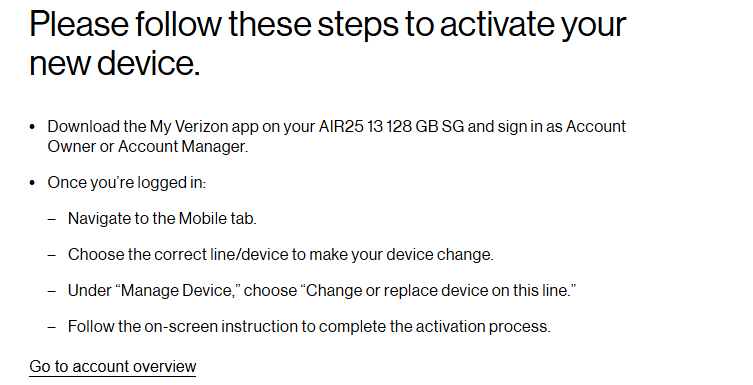
I purchased a new iPad Air to replace my old iPad Gen 6. I went online and followed the prompts to activate the new device on an existing line and it told me to download the app on the device. So I downloaded the app.
I then navigated to the Mobile tab.
I chose the correct line/device to make my device change.
Under "Manage Devices " I scroll down to "Device Management" > "Activate or Switch Device".
I then get a screen with "Activate, change or replace your device". I select the button marked "Activate on an existing line".
It asks me if this a new or previously used device. I select New.
It asks me for the IMEI number. I put in the IMEI number and it takes me to the original instruction page. I cannot go further.
I am at my wits end...
See snip below: