How do I send pics from my laptop to the Droid X?
Go into Windows Explorer on your PC and look for the removable disk. That'll be your phone. Look in the folder named dcim, then the subfolder named Camera, and you'll find all the pictures you took on your phone. You can transfer pictures back and forth between your PC and your phone, just as you would between different folders on your PC.
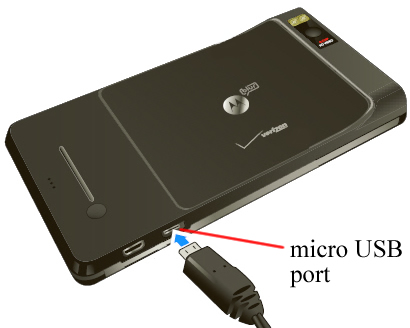
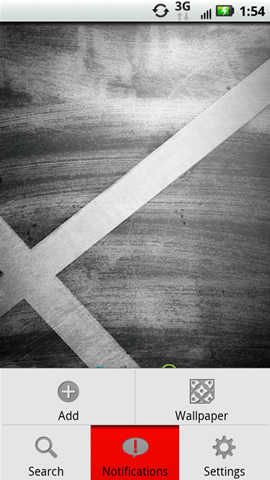
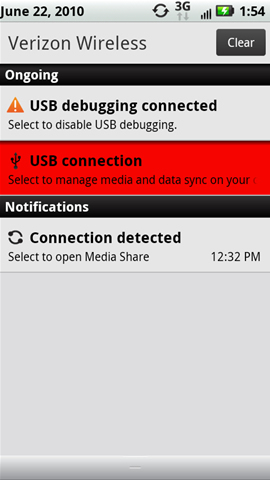
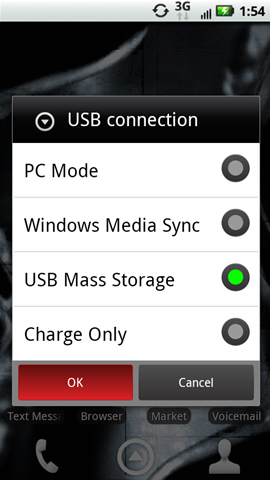
You can send by email but the easier way is to just plug the device to the pc with usb and select the Mass Storage option from the status bar at top on device, this will allow you to access the device from the PC computer directory..
Enable USB Mass Storage
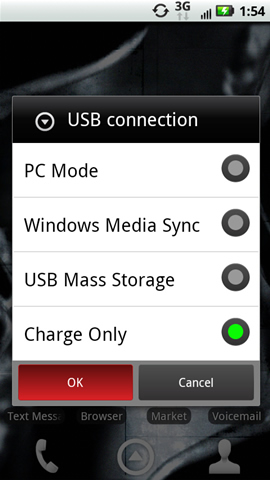
Disable USB Mass Storage
Got to the part of Enable USB Mas storage and then ?? The what to do after that?
I could not see where I can access My PIcs on laptop?