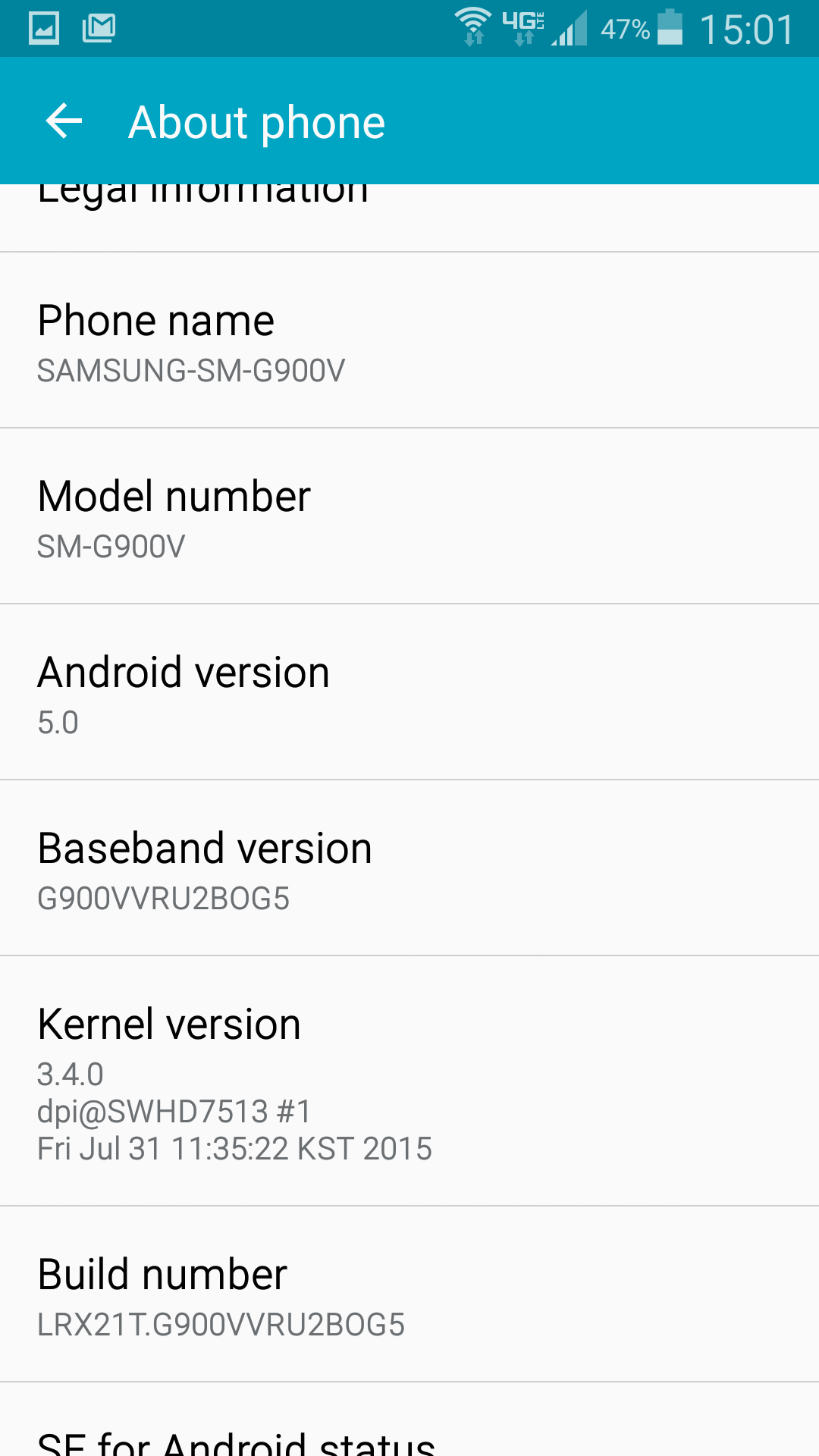
I recently added the Advanced Calling 1.0 feature to both my S5 & my wife's S5 (I wanted to wait a while after the initial release late last year - just to let the kinks get worked out a bit), but it looks like we're experiencing a bit of a problem when it comes to making video calls from our own home, while on our wi-fi network...
As an aside (just in case there are questions), we have solid 3-4 bars of 4G LTE signal in our home & can make HD Voice calls without issue. Additionally, I am utilizing an ASUS RT-AC66U router that gives us effectively full coverage over all floors in our home (it's located centrally within the house). Our ISP is Verizon FiOS & we subscribe to the 50Mbps/50Mbps plan (our actual speeds are closer to 58/63), so there's more than enough behind it.
We performed several video test calls (each a few minutes in duration) while connected to wi-fi & neither of us noticed any icon/indicator to tell us that the video 'portion' of the call was taking place on wi-fi, as specified in the Advanced Calling FAQ (see #4 below):
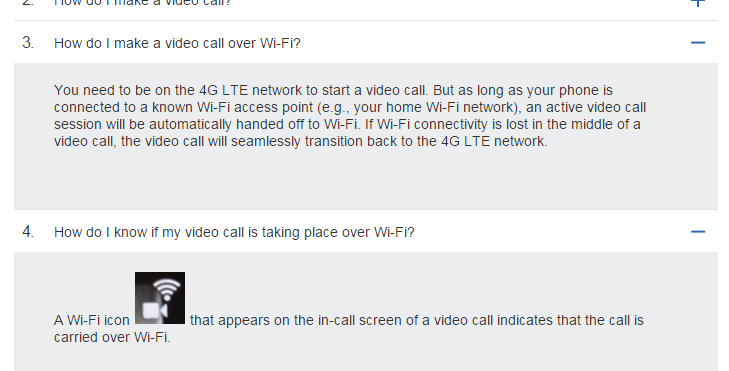
In addition to there not being any icon/indicator as specified above, the wi-fi indicator in the Android system tray at the top of the screen didn't show any activity, while the 4G LTE indicator showed constant upload/download activity.
After ending the calls, I checked our mobile data usage on the phone & it showed 15-20MB for 'Video Call' under the Mobile data section & when I checked the Wi-Fi data section for 'Video Call' it said 0.00B (nada, zero, zilch), so it appears that the calls didn't get "handed off" to Wi-Fi as specified in the FAQ (see #3 above). I waited until the next day & then logged into my account online to view our Data usage... sure enough, Verizon's site showed chunks of mobile data being used at that same time as the calls, all while we were on Wi-Fi.
Is anyone else experiencing this same issue? Do you see any indicators on your screen while performing a video call from the S5?
Thanks.