I have noticed ever since the Nougat update (Android 7.0), my Messages (v4.0.88) app frequently malfunctions while using the Emoji icon to the right of the text entry field.
FIRST PART OF PROBLEM: TAPPING EMOJI ICON FIRST
When I enter a contact's Message thread and tap the Emoji icon first, I get any of three results:
1) The word "English" will appear in the center of the screen
2) If I keep tapping the Emoji icon, "English" will continue to flash and eventually my keyboard opens up
3) Or, I get this screen:
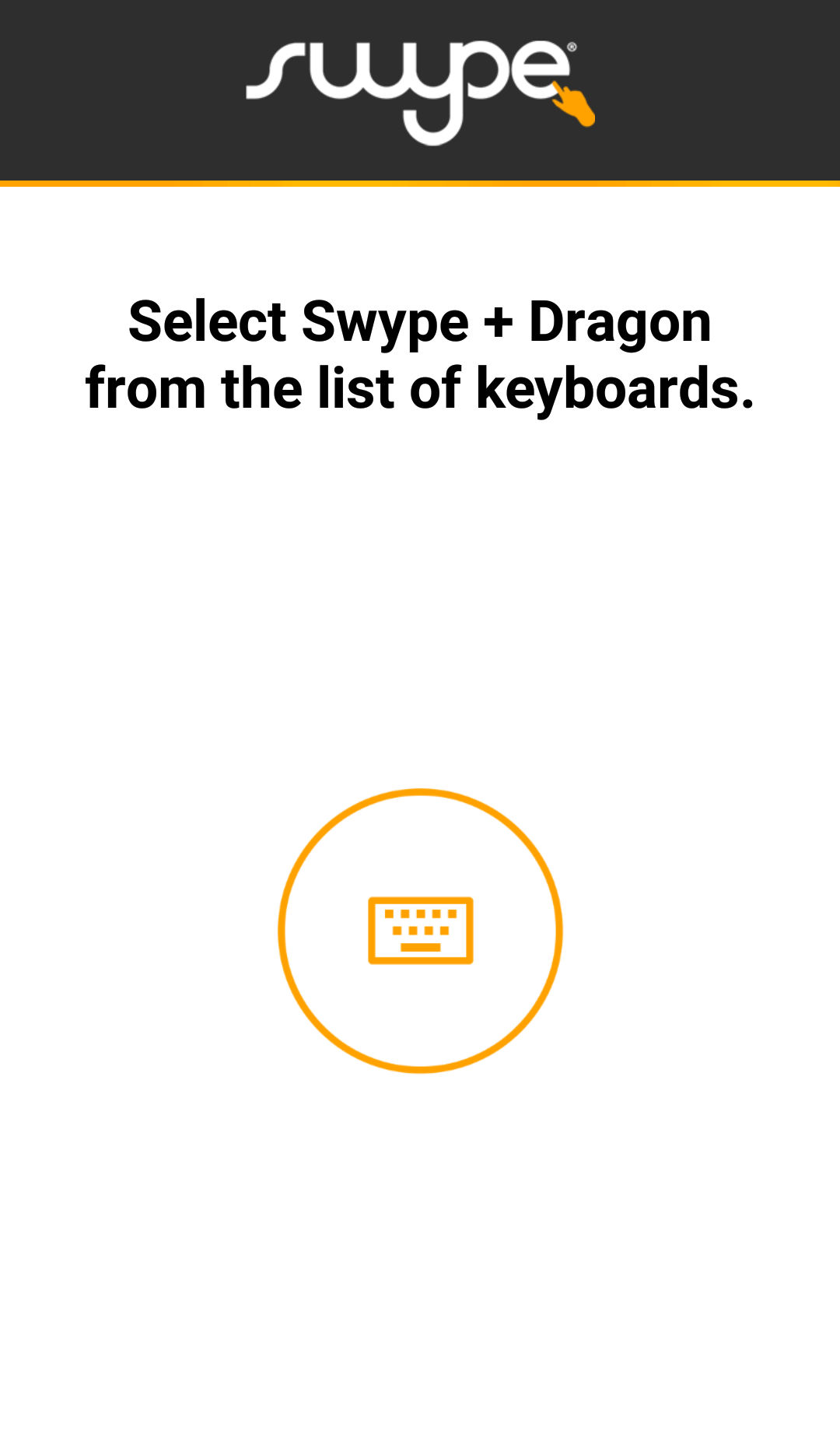
(Huh? I thought this was already selected in Settings.) Then I have to tap the center keyboard icon to proceed. (I already had Swype selected!) And even here, tapping the Emoji icon, I get Results 1 and 2 above until the keyboard finally appears.
SECOND PART OF PROBLEM: EMOJI SMILE STAYS OPEN IN KEYBOARD
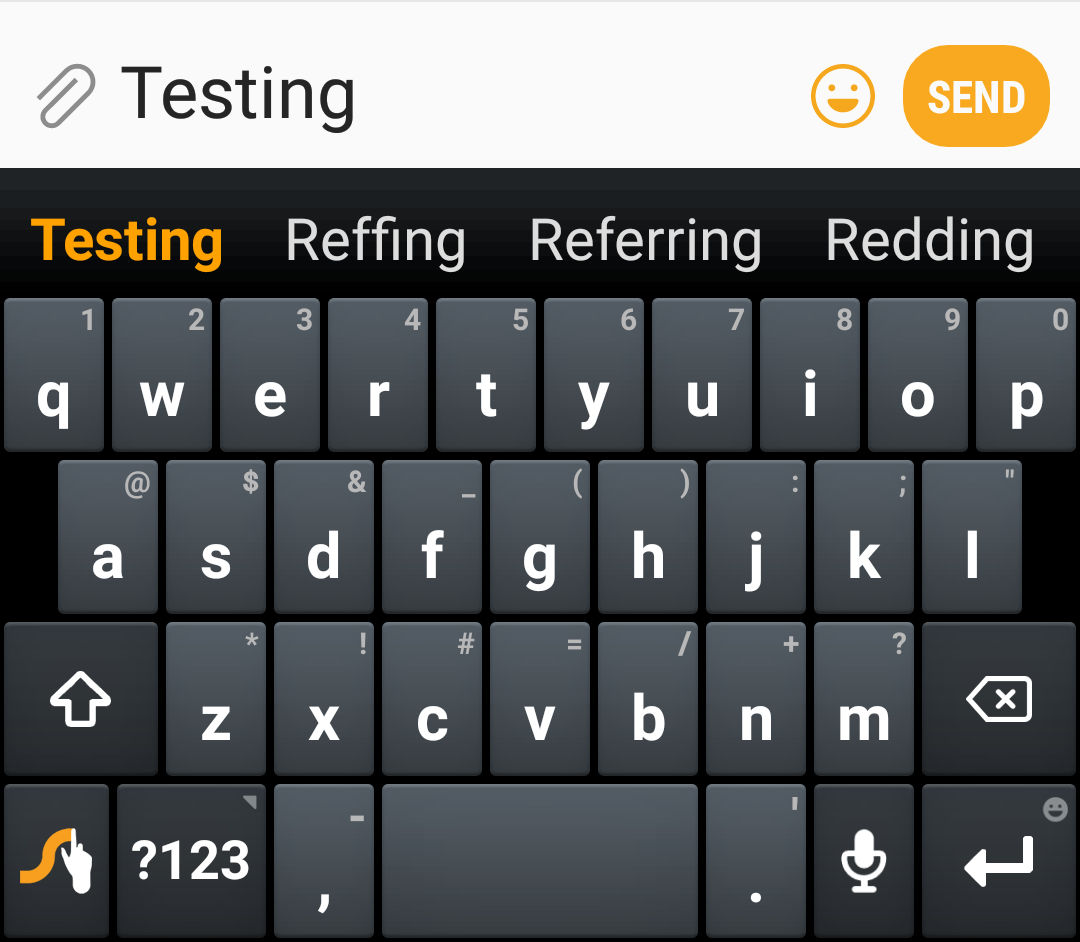
While I'm texting, if I've already entered an Emoji, the Emoji smile stays open (Emoji mode), even when going back to the keyboard. While the Emoji smile is open, and I cannot click it again to use more Emojis. Example here:
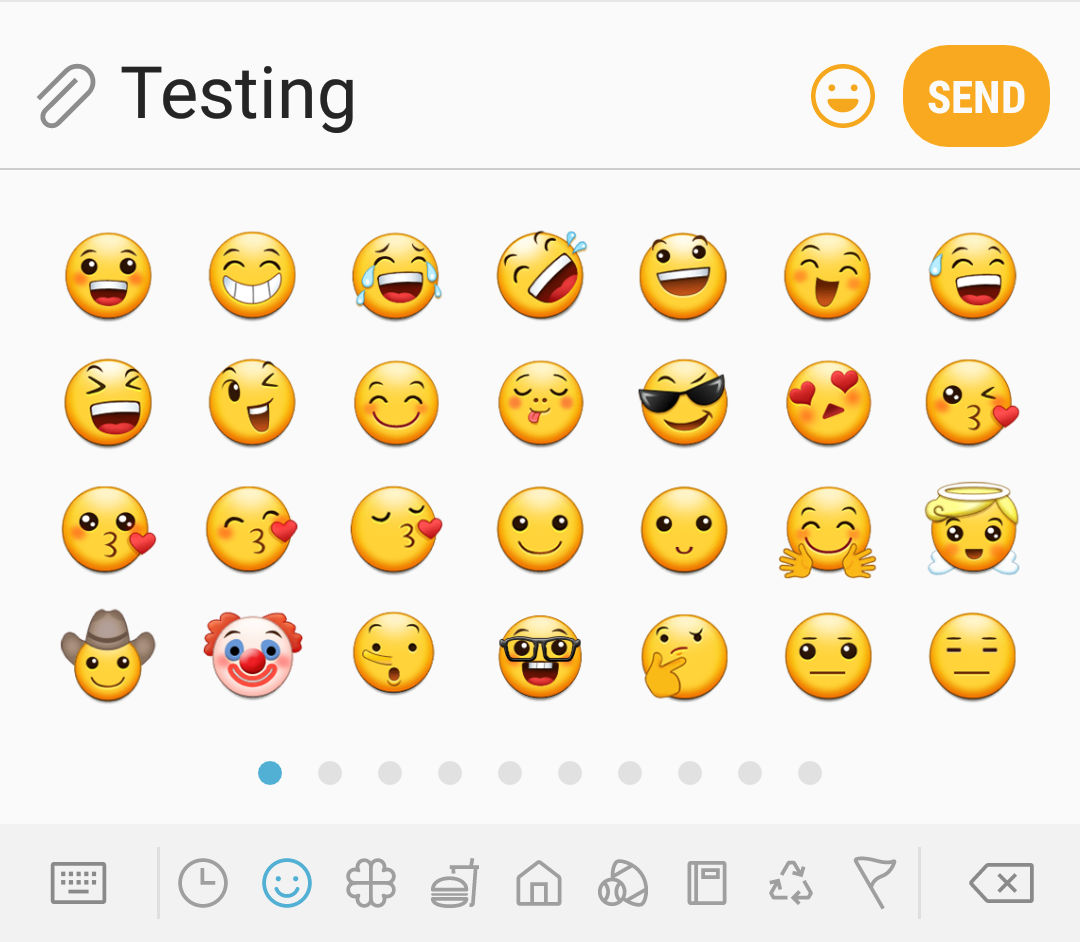
Screen 1: Just tapping the Emoji icon, opening Emoji window (Emoji smile is open)
Screen 2: Exited to keyboard; Emoji smile still open. Can no longer tap icon to see Emoji window.
To reset this message and enter more emojis, I have to back out of the Contact's thread and re-enter the pending message.
How could they possible mess up something that was working fine in the first place?
I don't want to use the Verizon Message+ app, because I like this app just fine.
Does anyone else have this issue? This is very frustrating.
If anyone knows of a fix to the Emoji icon problem detailed here, please let me know. Thanks in advance.






