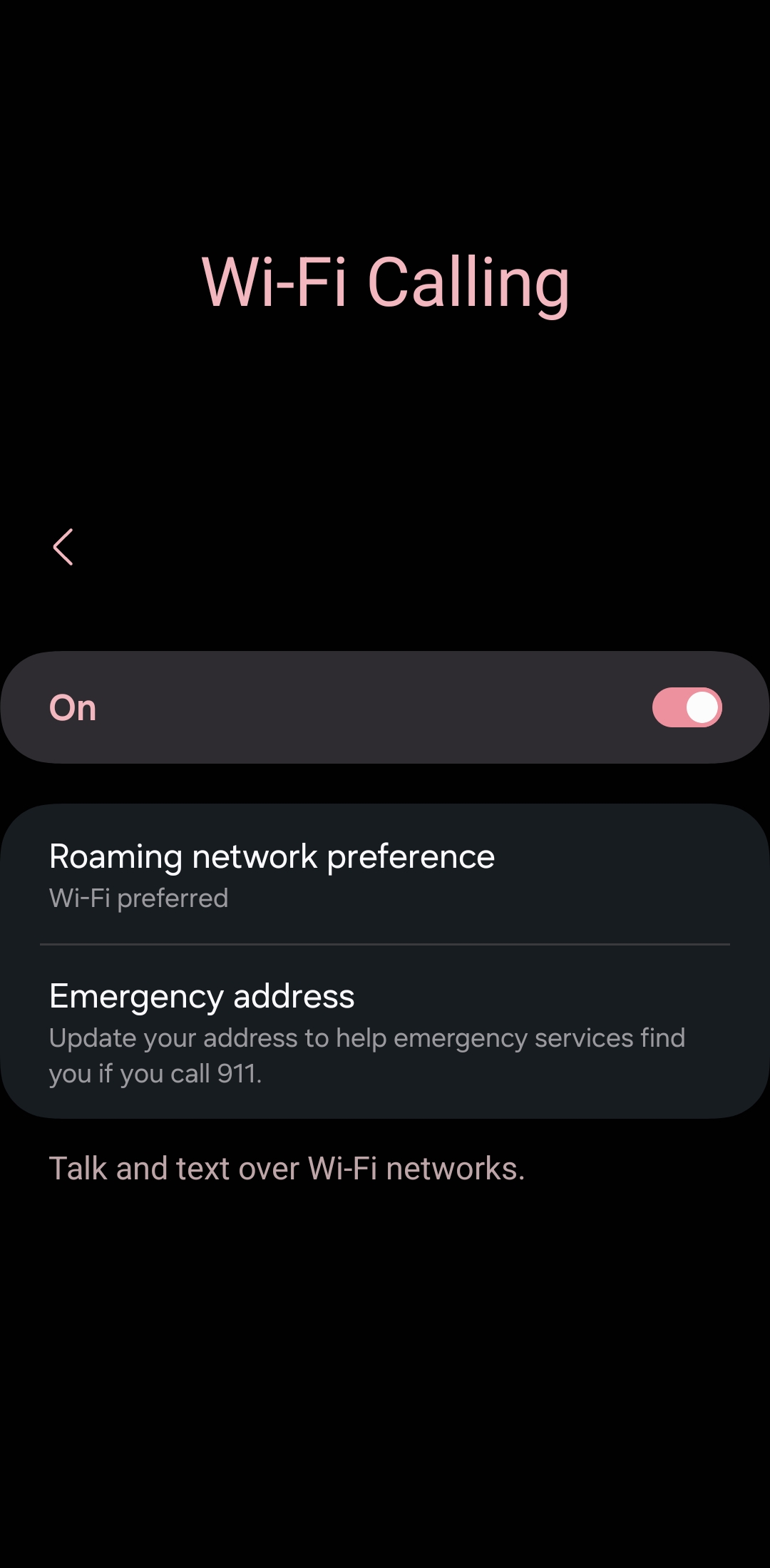
No Wifi Calling/Texting S22+ Ultra
- Mark as New
- Bookmark
- Subscribe
- Mute
- Subscribe to RSS Feed
- Permalink
- Report Inappropriate Content
I've had the S22 Ultra since it was brand new. In that time I have never once been able to use the Wifi-Calling or Wifi-Texting features of the Verizon Network, despite having the highest tier of service plan that I'm aware of.
The function is turned on, as far as I'm aware, but has never worked. My office is in a cellular dead zone and I literally have to walk outside and a good football field away from the building to get even 1 bar.
During this time I can't receive any calls or texts and often receive multiple missed calls or text messages much later in the day after I've gone home.
Is there some way to fix this? Is it the phone or an issue with my account? It's making my life genuinely difficult especially with 2 Factor Authentication so often requiring text verification.
Solved! Go to Correct Answer
- Mark as New
- Bookmark
- Subscribe
- Mute
- Subscribe to RSS Feed
- Permalink
- Report Inappropriate Content
Hi here is a video on how to troubleshoot wifi calling on an android. Let me know if you need further assistance. https://www.verizon.com/support/troubleshooting-wifi-calling-android-video/ ~Jorge
- Mark as New
- Bookmark
- Subscribe
- Mute
- Subscribe to RSS Feed
- Permalink
- Report Inappropriate Content
The last thing we ever want is for you to have problems with your phone service, and we're going to make sure we get you up and running asap. We're sure that some troubleshooting can get you back online. Does that sound good to you?
~Maria
- Mark as New
- Bookmark
- Subscribe
- Mute
- Subscribe to RSS Feed
- Permalink
- Report Inappropriate Content
@vzw_customer_support wrote:The last thing we ever want is for you to have problems with your phone service, and we're going to make sure we get you up and running asap. We're sure that some troubleshooting can get you back online. Does that sound good to you?
~Maria
Sounds good if it works.
- Mark as New
- Bookmark
- Subscribe
- Mute
- Subscribe to RSS Feed
- Permalink
- Report Inappropriate Content
- Mark as New
- Bookmark
- Subscribe
- Mute
- Subscribe to RSS Feed
- Permalink
- Report Inappropriate Content
If this is a business and you simply work there - i.e. you aren't working from home or do not own the company/run its IT infrastructure - most companies have a password you need to enter before you can even use the WiFi. There could also be an issue with the emergency address information not matching up with the workplace's location, because you'd have your home address entered under the emergency contact info?
Other problems could be company firewalls not letting personal devices access the network, which you'd have to work out with your IT department, or an IPv6 conflict.
I'm not a Verizon employee, just another customer trying to help.
- Mark as New
- Bookmark
- Subscribe
- Mute
- Subscribe to RSS Feed
- Permalink
- Report Inappropriate Content
Hi here is a video on how to troubleshoot wifi calling on an android. Let me know if you need further assistance. https://www.verizon.com/support/troubleshooting-wifi-calling-android-video/ ~Jorge

