Please bear with me, and thanks in advance for any help you might be able to offer...
A few days ago I installed a new D-Link DSL-2750B wireless router. I work on a Mac, and the next time I opened my Finder window, I noticed something called "verizondrive" labelled "shared."
 It's in the left-hand column.When I clicked on "verizondrive," this was the result:
 "Connection failed"?And when I clicked on the "connect as" button, this was the result:
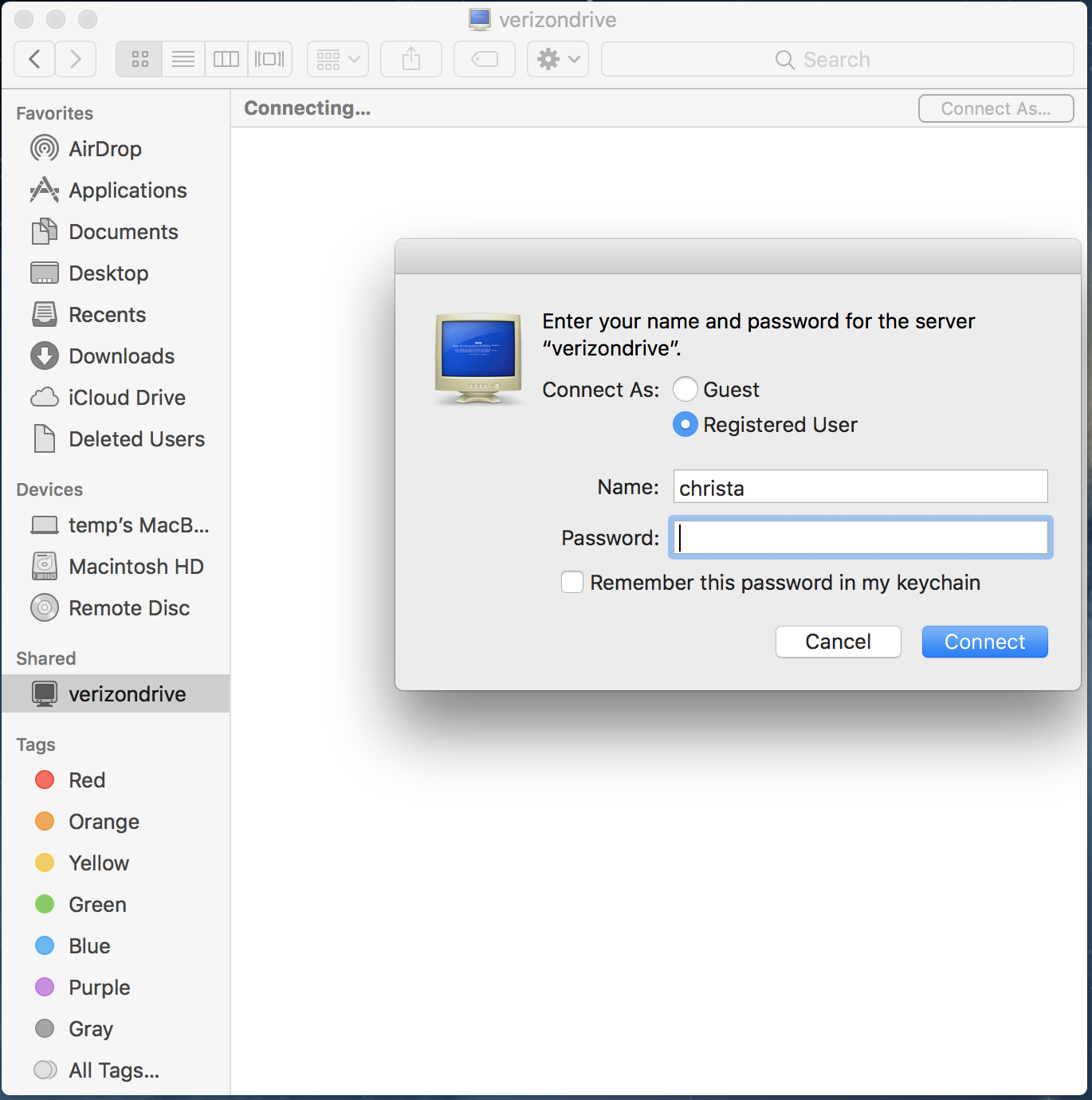
After hunting around on my own without finding anything definitive, I made two separate phone calls to customer service. Neither rep could tell me what "verizondrive" was or why it was there. The second rep even took a look at my screen and called her manager in to see it. She said they'd never heard of this before. The best both reps could tell me was that I should just "ignore" it.
Uh, no. Not acceptable.
That was a few days ago. Upon further reflection, I find it VERY difficult to believe Verizon has never fielded this question before, especially since they only offer a couple DSL routers. In fact, during my initial look-around, I found a Forum question from 2012 about it.
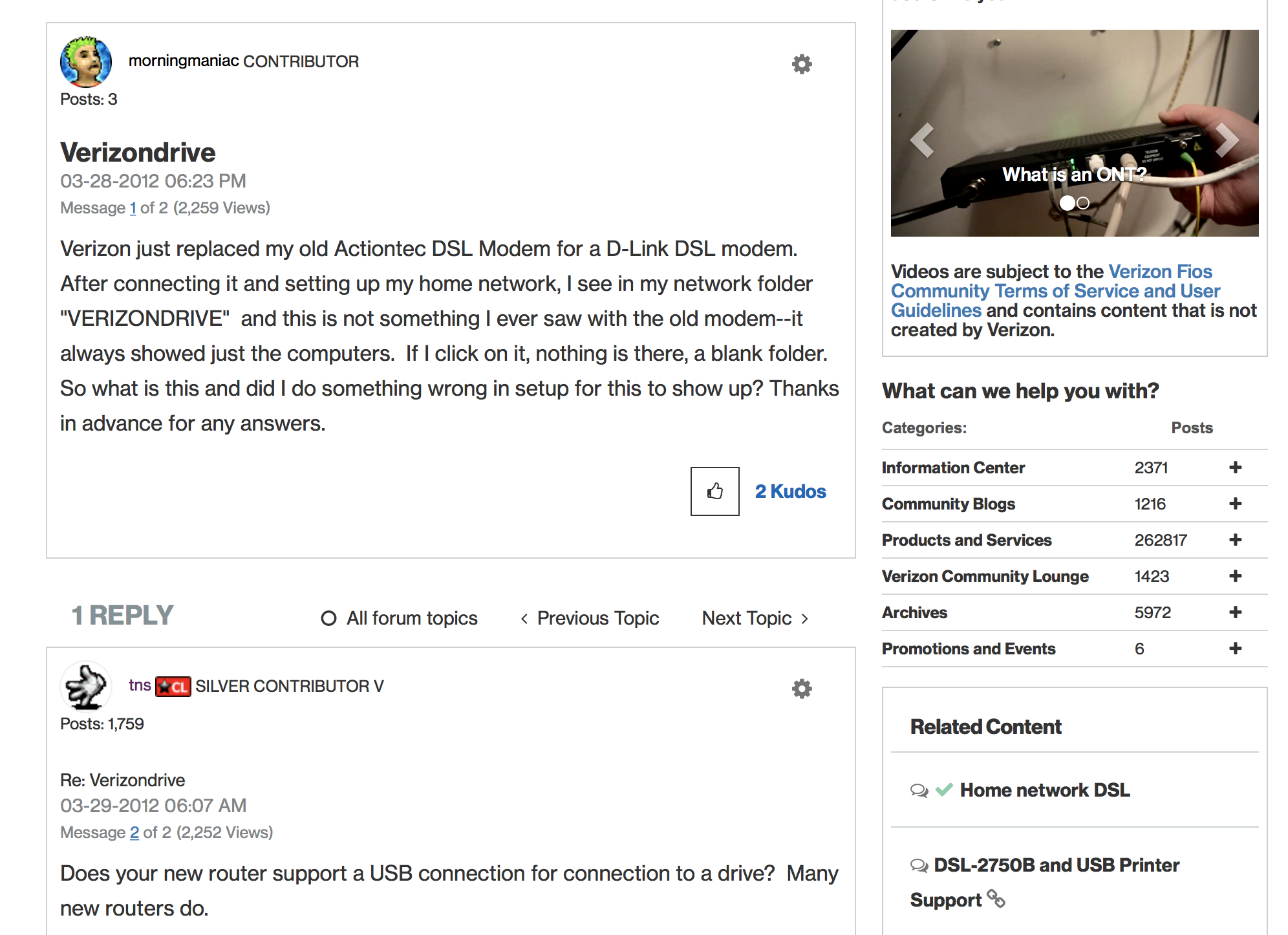
So I have two questions for those of you reading this:
1. Do you have a definitive answer for what "verizondrive" is?
2. Have you had the same conversation with Verizon about the issue, and what was the outcome?
I've gone from feeling vaguely irritable and frustrated post-customer service call to feeling irritable, frustrated, and suspicious.
And Verizon, if by any chance you're reading this, would you please put me in touch with someone who can/will give me a straight answer?


