Hello - I had my Verizon Fios 1GB plan home Internet installed on Sept. 28, 2025
Ive been trying for days and hours to activate my youtube tv through verizon. I received an email asking me to activate YouTube TV with a link provided, but it just doesn't work at all. This is the link it provides:
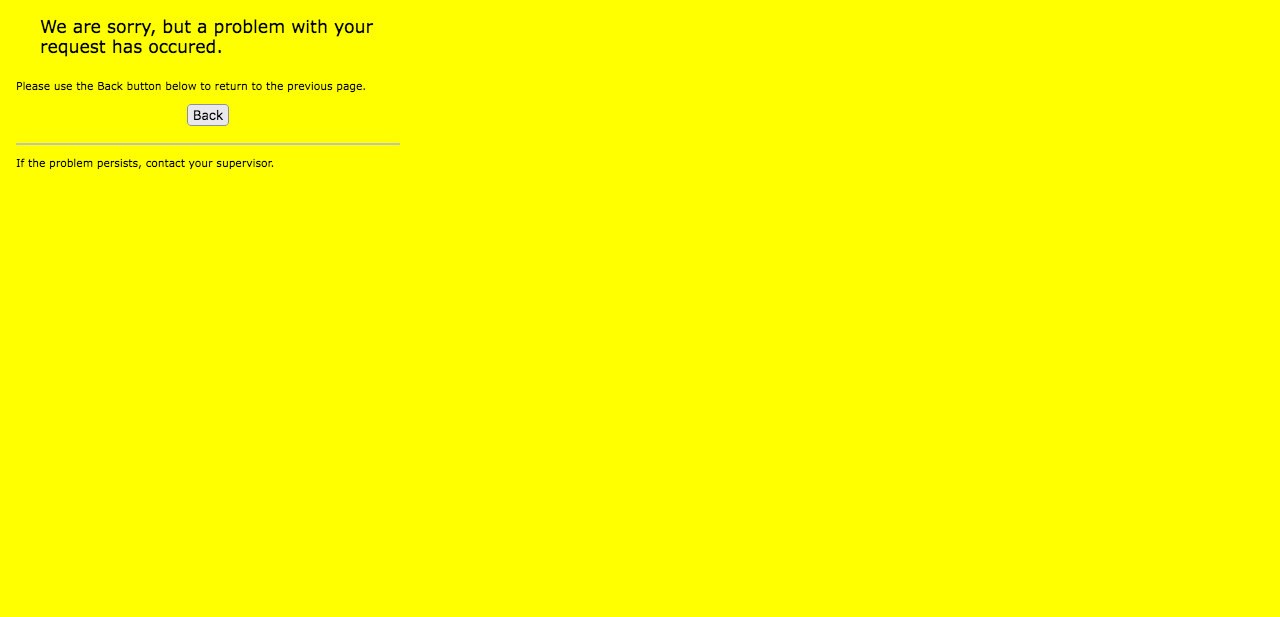
Activate now - this link takes me to an error message page as shown below:
I have tried everything, and am now looking at hacks and workarounds on the Internet out of sheer frustration.
I'm having the same issue with adding my bundled perk for:
Get the Disney+, Hulu, & ESPN+ (With Ads) Perk with your Fios internet plan and get 12 months on us (then $10/mo after).
When I'm logged into My Verizon via Firefox, I navigate to Account -> Account Settings -> Verizon privacy dashboard - I see the message pasted in at the bottom of this question, however I'm an account owner.
I believe this may be what's causing the problem, but I really don't know for sure. There is a Sign Out button at the bottom of that link. If I click that or sign-out / switch accounts, I get taken to web landing on:
HTTP Status 500 – Internal Server Error
When I created the My Verizon account and installed the app on my smartphone, I wasn't asked whether I was the account owner or a sub-account holder. I simply went through the steps to create my account.
This is what I see get when I select Verizon Privacy Dashboard
We see that you are a Fios customer with sub-account credentials
As a sub-account holder, the Account Owner can make requests for your information and manage your privacy controls for you. Additionally, you can access the same functionality and information as other non-customers visiting our site. Sign out and we will redirect you to the same functionality provided to guests on our site.
Please help! I have tried absolutely everything short of calling the customer support line. I have called them for other issues and they're helpful, but I'm hoping someone can help me via the community page.
