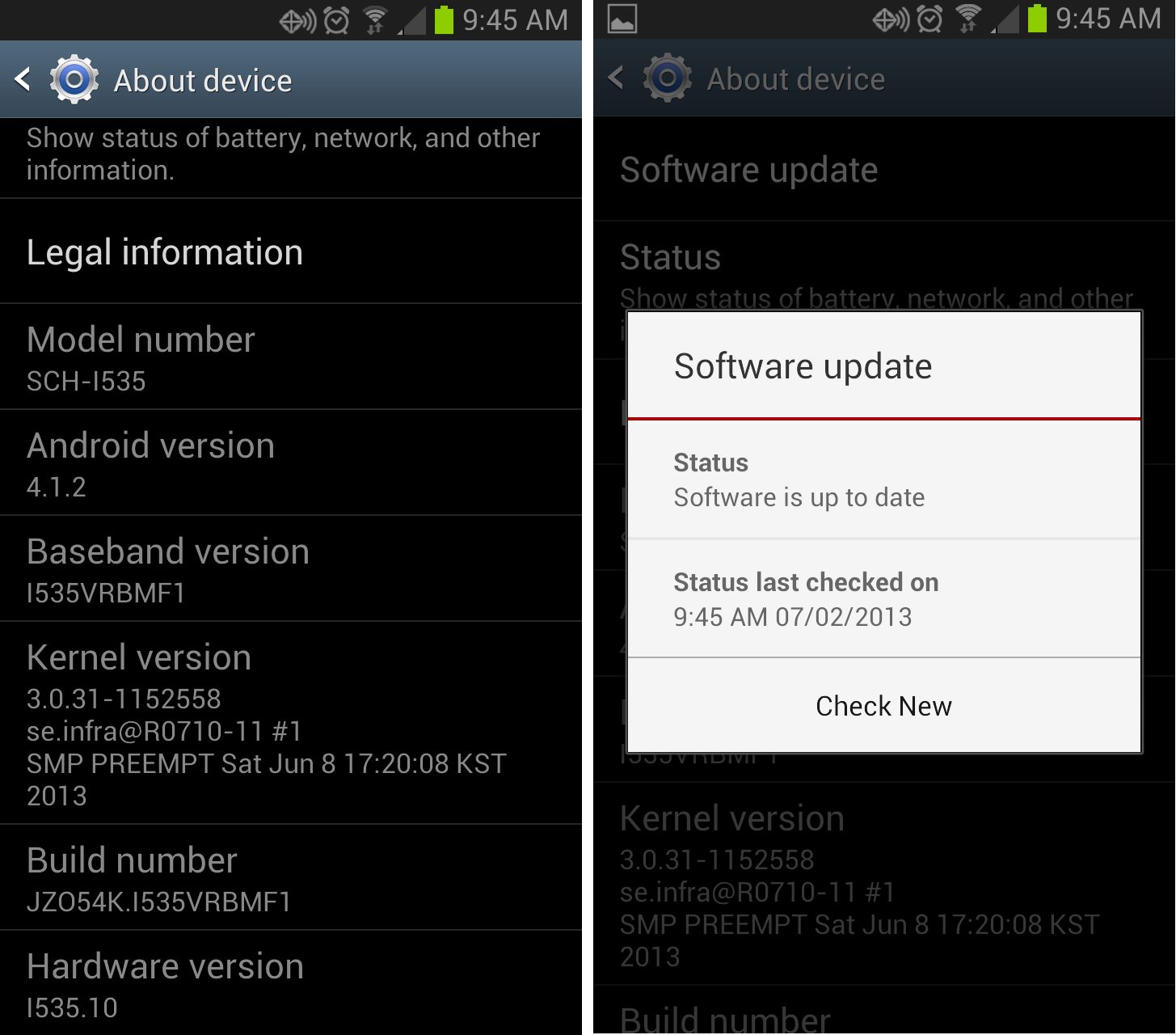
I've recently (within the past week) started to see the following message whenever I connect my Galaxy S3 phone to my PC via a USB cable"You device's current firmware version is not supported to update firmware." And I don't know what it really means, how to fix it or deal with it.
This message appears as a notification in the lower right hand corner of my PC when the phone is connected,

and goes away when I select "OK".
It also appears if I left click on the VZW Software Upgrade Assistant - Samsung icon from the system tray. When I click on the system try icon, the PC thinks for 10 seconds or so and then the warning window pops up.

Why did this happen and how can it be fixed? I just recently bought the phone and I've only installed a few apps: Temple Run, Rocket Player, iSyncr, and Easy Phone Sync (my first try at music syncing before I switched to iSyncr).
Thanks in adavance,
-=John