I have a Fios-G1100 router, hardware version 1.03, running firmware version 02.02.0016.
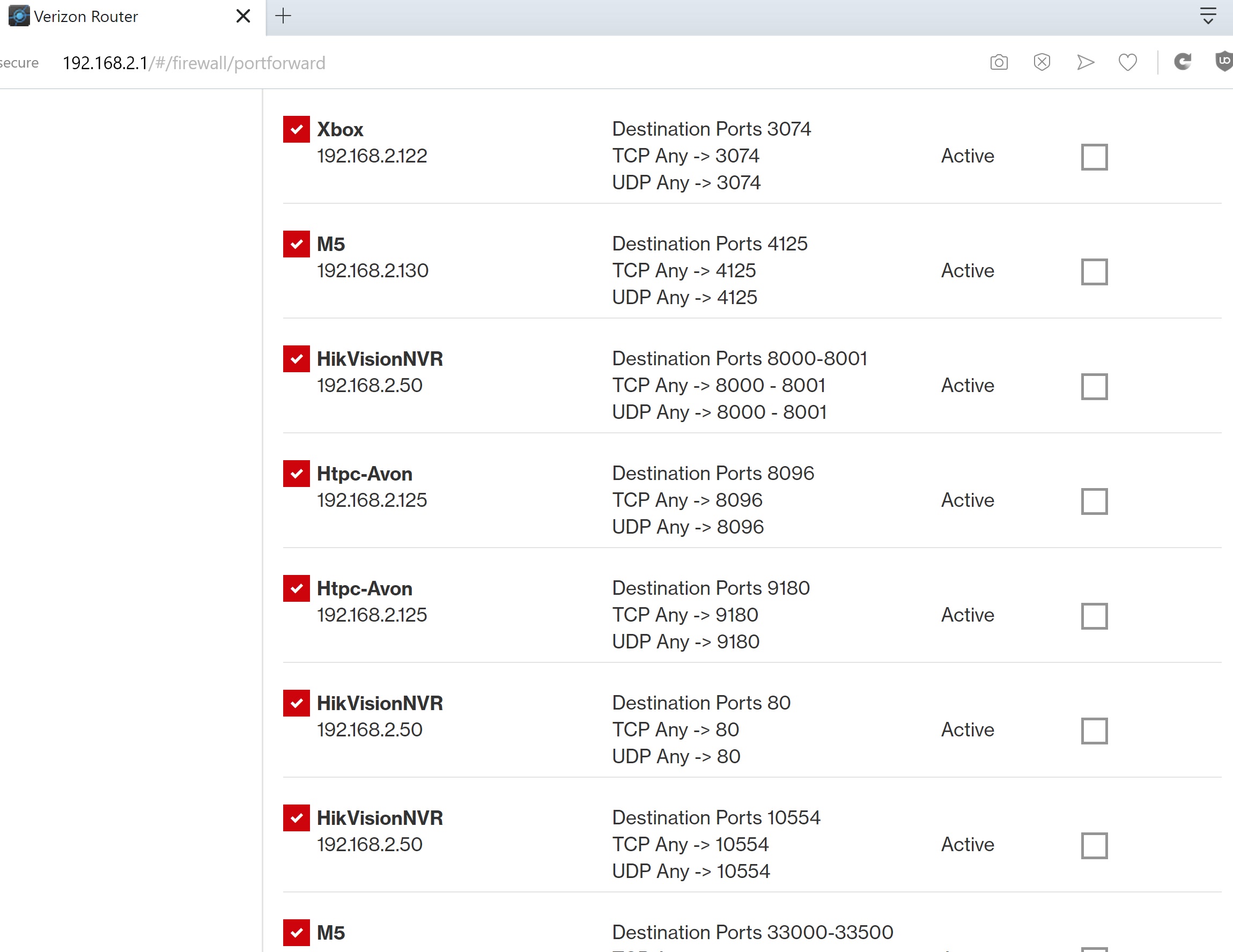
In the past I've had no issues forwarding ports on this router, as is evidenced by the attached screen print showing a bunch of port forwards that I've successfully added in the past:
Until yesterday I had not, however, had a need to add a port forward since the router automatically updated itself to the version 02.02.0016 firmware. Now it appears that "Custom Port" forwarding is broken! While I can still add new port forwards if I select one of the preconfigued "Application to Forward..." choices, I get a "Invalid request, please try again" error message when I try to forward any custom port.
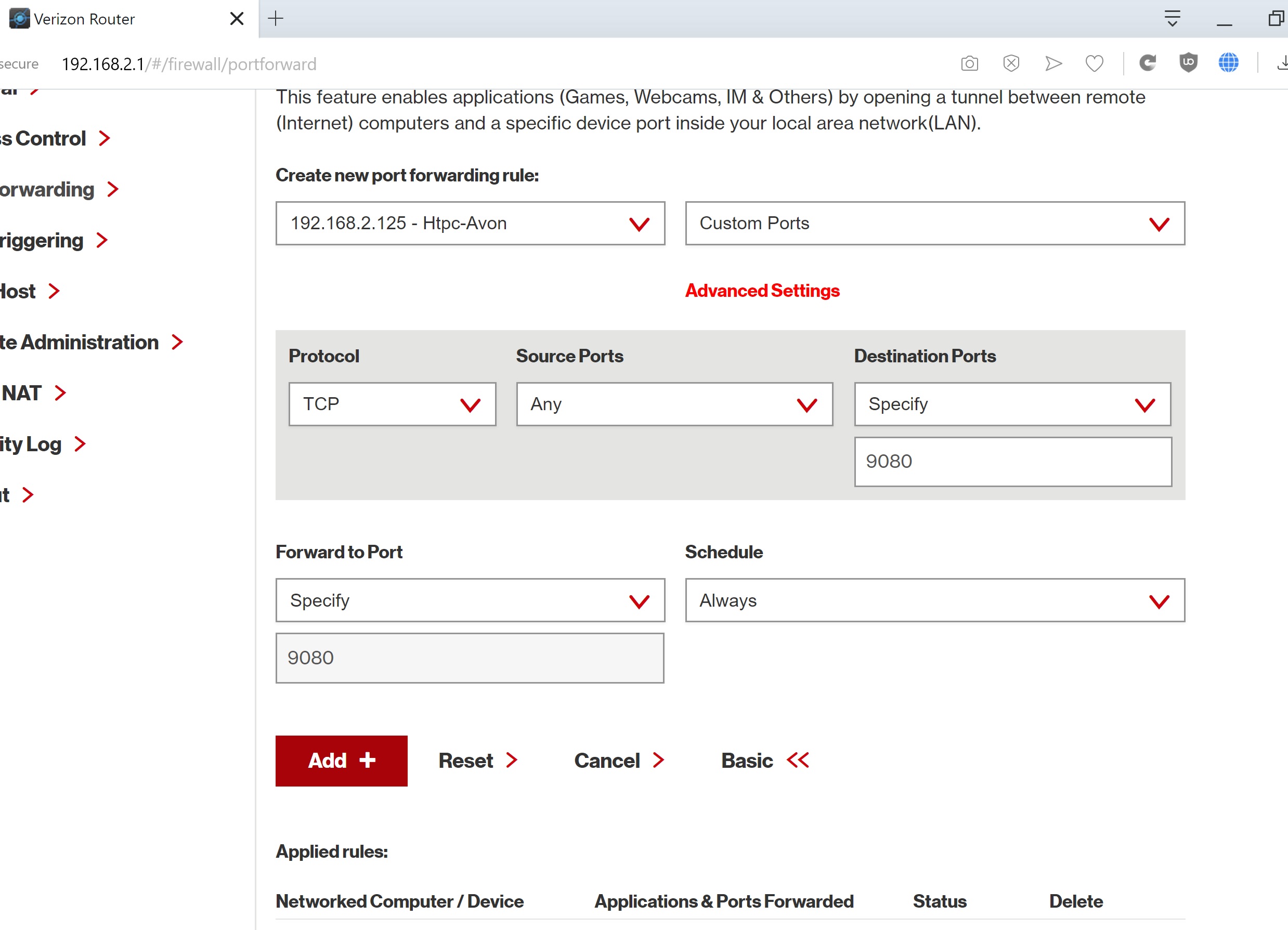
I've attached a screenshot of the exact Custom Port I'm trying to forward (9080) and how I'm trying to do it:
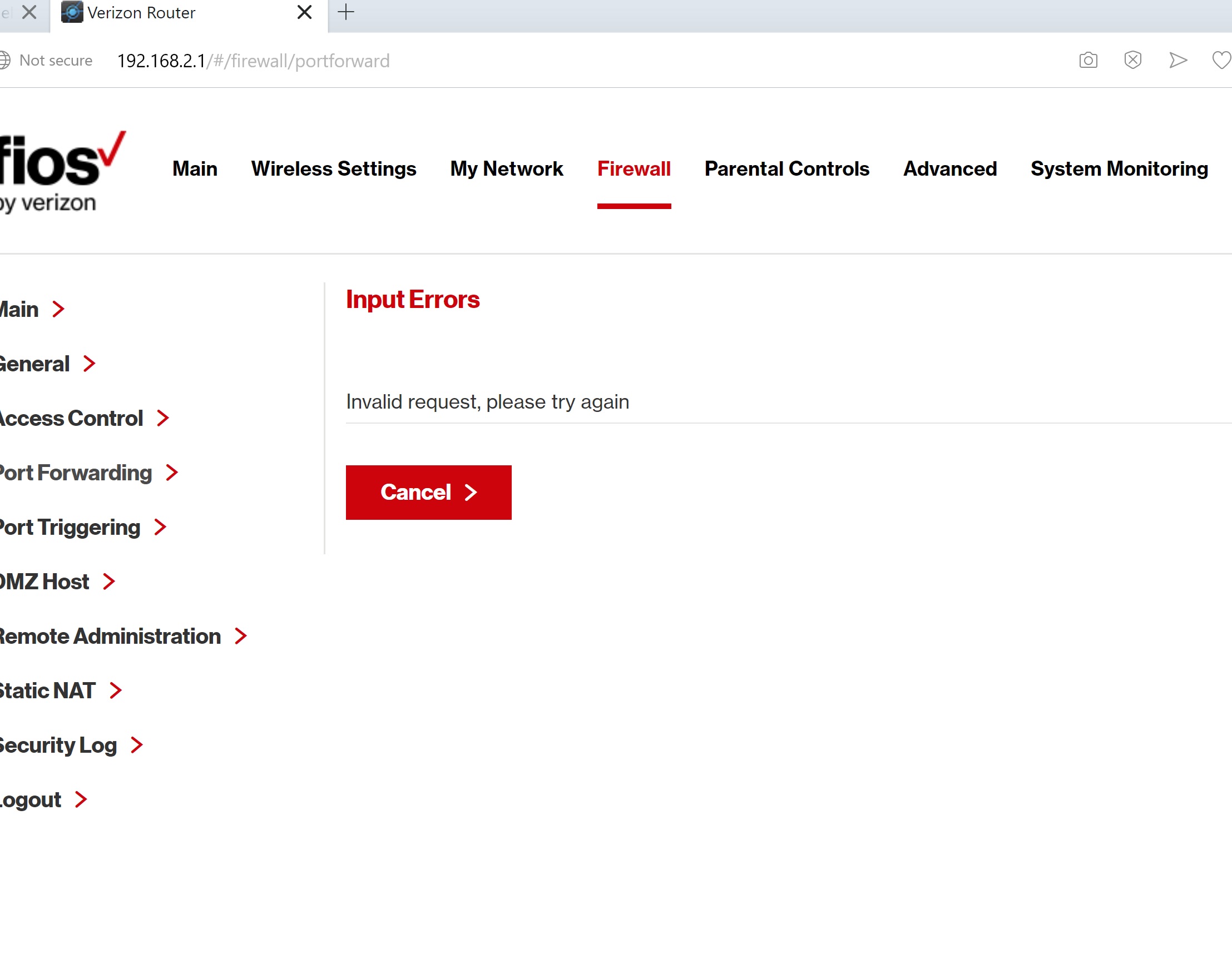
I've also attached the error message I receive as soon as I press the "Add" button for the above port forward:
HELP! I've tried the only thing I can think off -- power cycling the router -- and I'm still stuck. The only workaround I know of would be to purchase another router and place it in the DMZ, and do all of my port forwarding in the new router. I've been looking at the "Ubiquity EdgeRouter 4" (my home and property wifi is currently being handled by a mesh network of Ubiquity UAP-PRO access points) wired router if I can't figure this out, but I'd rather not spend the $175 if I don't need to.

