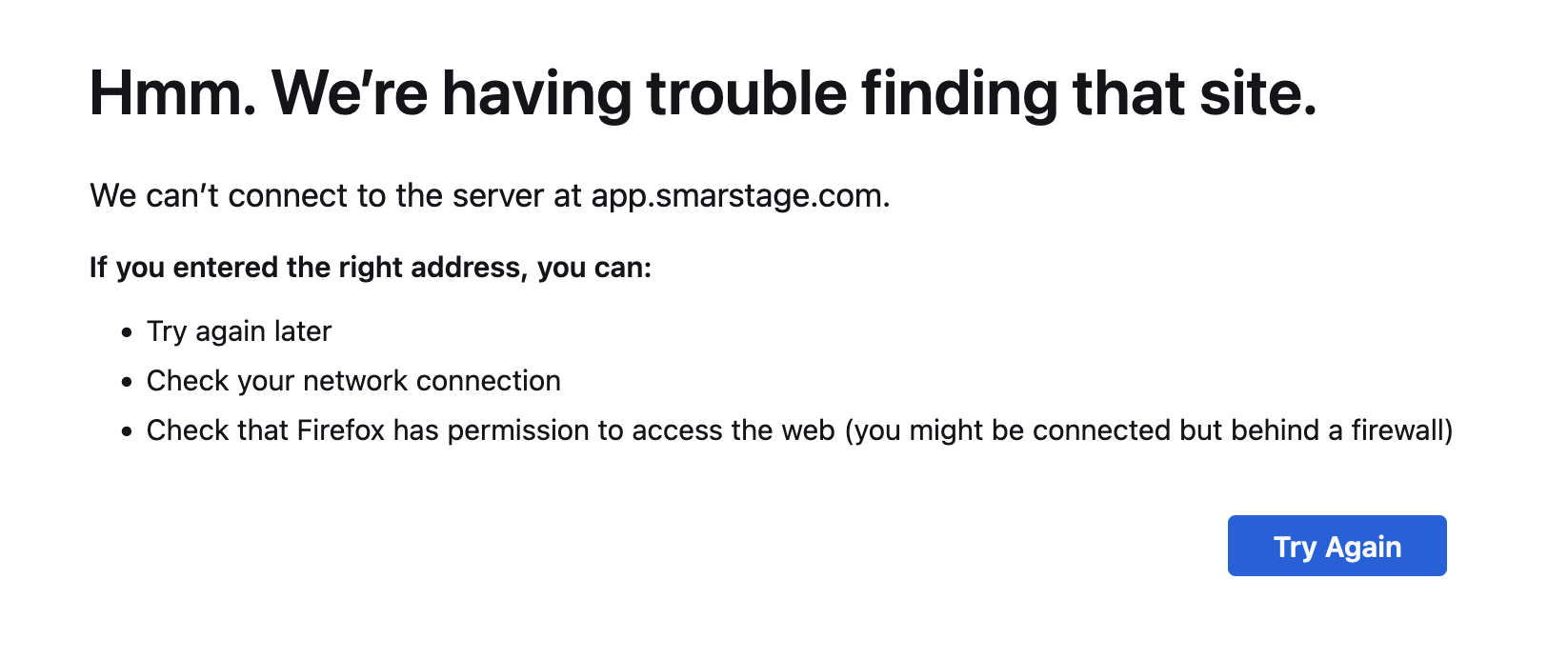
I live in the northern virginia area and on my Fios internet; I'm unable to connect to https://app.smarstage.com I have tried all the different browsers chrome/firefox/safari with and without private browsing but I just get the error that they are unable to connect. Also have tried this on multiple devices on my home network (laptops, phone, wifi).
I don't use a VPN and tried restarting my device and router, resetting system dns cache on my mac (using "killall -HUP mDNSResponder"). This only seems to happen on my Fios internet. Going to the local starbucks I'm able to connect. Running ping or traceroute on the DNS host indicate the DNS address cannot be resolved.
Here's the output I get from running host command on my laptop
$ ping app.smarstage.com
ping: cannot resolve app.smarstage.com: Unknown host
$ traceroute app.smarstage.com
traceroute: unknown host app.smarstage.com
$ host app.smarstage.com 71.252.0.12 # note: 71.252.0.12 is the DNS server on my router
Using domain server:
Name: 71.252.0.12
Address: 71.252.0.12#53
Aliases:
app.smarstage.com has address 10.176.34.143
app.smarstage.com has address 10.176.36.115
app.smarstage.com has address 10.176.32.22
$ host app.smarstage.com 1.1.1.1
Using domain server:
Name: 1.1.1.1
Address: 1.1.1.1#53
Aliases:
app.smarstage.com has address 10.176.34.143
app.smarstage.com has address 10.176.36.115
app.smarstage.com has address 10.176.32.22
$ ping 10.176.34.143
PING 10.176.34.143 (10.176.34.143): 56 data bytes
Request timeout for icmp_seq 0
Request timeout for icmp_seq 1
Request timeout for icmp_seq 2
Request timeout for icmp_seq 3
Request timeout for icmp_seq 4
Request timeout for icmp_seq 5
Request timeout for icmp_seq 6
Request timeout for icmp_seq 7
Request timeout for icmp_seq 7
Request timeout for icmp_seq 8
Request timeout for icmp_seq 9
^C
--- 10.176.34.143 ping statistics ---
11 packets transmitted, 0 packets received, 100.0% packet loss