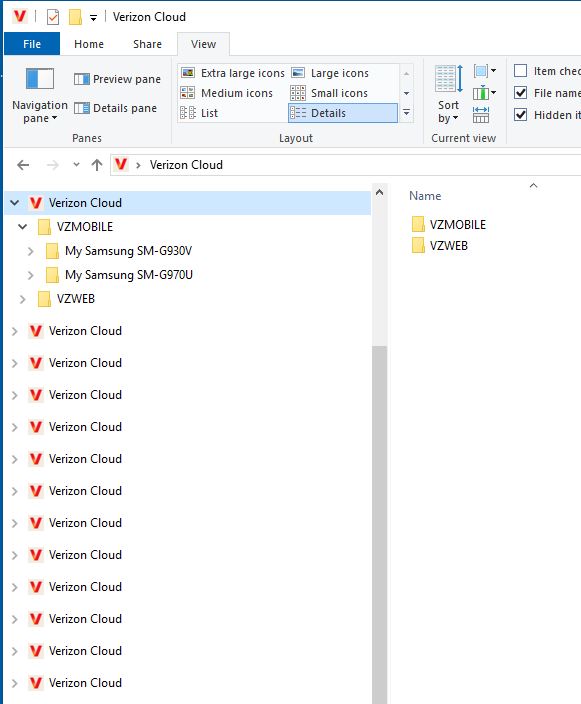
Not sure why this is happening but the Desktop Verizon Cloud App seems to place a new virtual drive in Windows Explorer every time I reboot or occasionally anyway. Everything works fine, but this clutters up Explorer that I use very often. Short of uninstalling the App and reinstalling to start over again, is there a simple way to remove the extra instances?